
Automation for service shops
Duluth, Minnesota
The Other Tools of the Trade
The ones that take the office off your hands: invoicing, lead follow-up, dispatch, reporting. Automation for service shops across Minnesota and the Upper Midwest, built by someone who ran service operations inside a real shop, not a software salesman.
No pitch deck. I look at one thing eating your week and figure out if it can run itself.
The office work is eating the day
You're booked solid and still behind. Invoices go out late because somebody has to sit down and make them. Leads from the trade show sit in a notebook for a week. Somebody re-types the same info into three different screens. The schedule lives in one person's head, and when they're out, the day falls apart.
You don't need another full-time hire to handle the busywork. You need the busywork to handle itself.
Most shops your size are stuck in the middle: too small to have someone whose whole job is systems and automation, too big to keep running it all by hand. That gap is exactly what I close.
Paperwork piling up after hours, so the owner is doing invoices at 9 PM instead of being home.
The same number typed into the same three screens, every job, by hand.
Leads and follow-ups slipping through the cracks because nobody had time to chase them.
What I actually build
The busywork that can actually be automated is the repetitive kind: invoicing, lead follow-up, scheduling, reporting, data entry. I don't sell you software. I connect the tools you already pay for and make that work run on its own. Plain English, working systems, no jargon.
Day to day I work in ServiceTitan, Google Workspace, and Slack. If your tool has an API, I can probably wire it in. And everything I build ships with a watchdog: scheduled health checks, an alert to a real phone when something breaks, and a morning note on what ran. You never have to wonder whether the robot quietly quit.
Some of that busywork lives inside a web page with no API to hook into. For those, I build a Chrome extension that does the same clicking and typing right in the browser your staff already use, so the data stays on their machine and never leaves the building.
Invoicing, Billing, and the Paper Trail
Jobs close, invoices go out, payments get tracked. The repeatable part runs on its own, so the weekly catch-up on billing mostly disappears.
See examplesLead Capture and Follow-Up
Every lead, from the trade show, the website, the phone, lands in one place, gets routed to the right person, and gets followed up on automatically. Nothing sits in a notebook.
See examplesScheduling, Dispatch, and Job Chatter
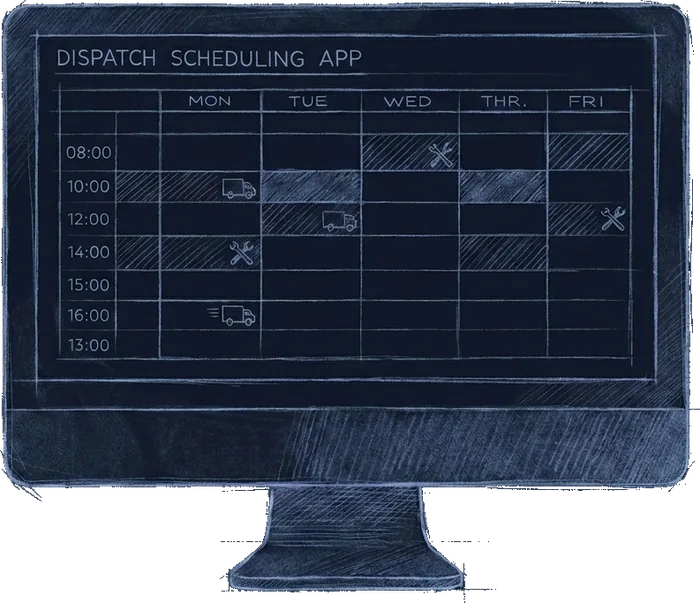
The coordination around a job, not just the calendar entry, kept together instead of scattered across texts, sticky notes, and inboxes.
See examplesReporting You Don't Have to Build
Daily numbers on what got done, what got sold, and what got missed, put together for you instead of you stitching it from five screens.
See examplesWarranty and Equipment Records
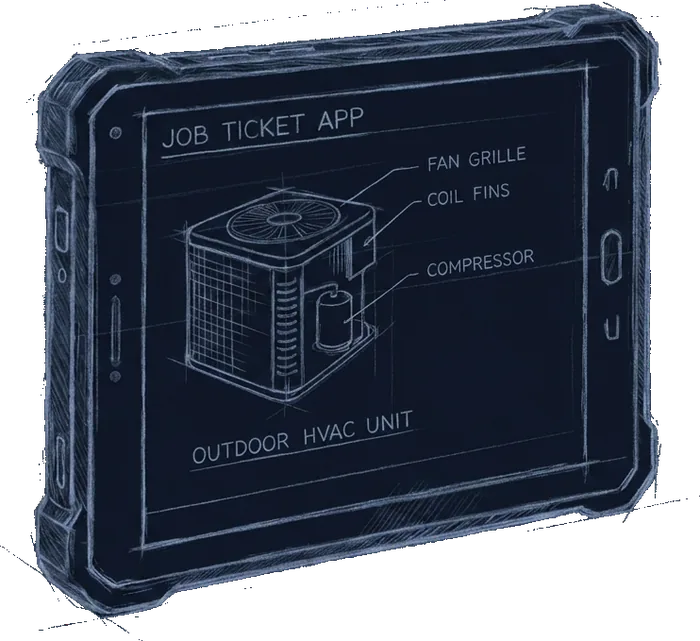
The equipment paper trail keeps itself, so nobody finds out at the service call that the unit was never registered.
See examplesForms, Portals, and the Clicks Between
The fifty-times-a-week stuff that lives outside your main system: web portals, agency forms, the same six clicks to do one small thing.
See examplesIf the task draining your office hours isn't on this list, ask anyway. The whole job is figuring out what can run itself.
The Owner Dashboard
Your whole shop on one page at 6 AM: yesterday's numbers, the next 30 days of booked work, and the red flags your crew mentioned in Slack overnight. Refreshed hourly from ServiceTitan, read-only, and the same data feeds a live install whiteboard for the crew.
It's already built, and it's the one thing here you can buy on its own: $795 to wire it to your ServiceTitan, $125 a month to keep it synced and maintained, and that's the whole relationship if you want it to be. There's a fully working demo for a fictional company, every number synthetic, that you can click through right now.
Operations: the 6 AM read. Yesterday's revenue, today's book, and the money already sold or already invoiced.
How it works
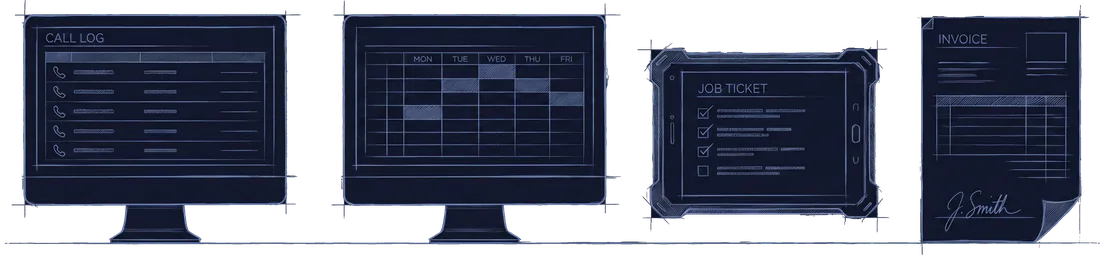
After you book, three things happen: we talk, we pick one task, I build it. No giant project. No six-month rollout. We start small, prove it works, then build from there.
We talk (15 minutes).
You tell me what's slowing the office down. I ask the questions a software salesman wouldn't know to ask, because I've run service operations myself instead of selling the tool.
We pick one thing.
We find the single most annoying, most repeated task and start there. One clear win beats a giant plan that never ships.
I build it and set it up.
Setup is a one-time fee, no hourly meter. I build your first automation, wired into the tools you already use, and get it running. You don't manage anything.
It runs, and keeping it running is my job.
A flat monthly retainer; the first 3 months are a commitment, month to month after that. Small tweaks come out of a monthly queue, bigger builds get scoped first, and when a tool you use changes and something breaks, fixing it is my job.
After the call
- You get a written recap of what we discussed: the task, what will change, and the price. Nothing happens until you say go.
- The $795 setup is invoiced when the build starts, not when we talk.
- Something I've built before, a morning dashboard, a warranty registration, an estimate chase, is usually running the next day. A custom build takes a week or more.
- You see it work on one real job before it goes live, and the retainer starts once it does.
You keep doing the work you're good at. The office work just stops being your problem.
Simple pricing, no surprises
It costs $795 one-time for the first build, then $1,000 a month. No long contracts. No per-seat fees. No "call for a quote" runaround.
First workflow setup
$795one-time
I build your first automation and get it running, wired into the tools you already use.
Ongoing automation partner
$1,000a month
First 3 months, then month to month, cancel anytime after. Your data lives in the tools you own and leaves with you. The automations run while the retainer runs; if you cancel, they stop and you keep every piece of data they produced.
What the monthly actually includes (so there are no surprises):
- Keeping everything I've built for you working. When a tool updates or an integration breaks, fixing it is included: I reply within 1 business day, and fixes land within 2 to 3 business days.
- A monthly queue of tweaks and improvements. Small changes (under about 2 hours of work) come out of the queue, no extra charge per tweak.
- Bigger new builds (a whole new workflow from scratch) get scoped and agreed first, so you always know what you're getting. No surprise bills, and no "unlimited" promise I can't keep.
The break-even, in plain numbers: count the office hours your team spends on the task each month, multiply by what an hour actually costs you, and set that next to $1,000. That's the whole math, and you can run it before we ever talk.
Why it's a retainer, not a project: Automation isn't a thing you buy once. Tools change, your shop changes, and the systems need someone keeping them alive. That's what the monthly covers.
Why the 3-month start: the build work is front-loaded. Most of my hours land in the first weeks, and three months gives what I build enough runtime to prove itself before you decide anything long-term.
Built by someone who ran service operations
Mango Catalyst is one person who ran service operations inside a real service business and builds automation the way an operator would, not the way a salesman would. I'm not a software company. I ran the scheduling, the dispatch, the phones, the customer messes, and the daily numbers. Same problems you have: too many small tasks, not enough people, owners doing paperwork at night. So I started building my way out of it, and the building stuck.

I'm Bryan. Mango Catalyst is one person, and that person is me. You talk to me, you work with me, and I build and watch everything myself.
What that looks like in practice:
Real builds, running in real shops:
An owner dashboard and a commission tracker built inside a working heating and cooling shop, fed by its ServiceTitan, in daily use. Before that, a browser extension that automates medical claim entry into Minnesota's provider billing portal: different industry, same problem of repeated portal work and staff losing hours to typing.
The honest part: Mango Catalyst is new, so I'm not going to show you a wall of five-star reviews I don't have yet. What I can do is walk you through, on the call, exactly how I'd scope the busywork burning your evenings: what the work looks like now, which part can run itself, and what stays human. You'll see how I think before you spend a dollar.
Who you're working withAI where it earns its keep
I use AI every day to build faster, and I'll put it into your shop only where it saves real time and a person still signs off. Not sure you're ready for a build? There's a consulting option: two one-hour sessions, $500 flat, no retainer, and the $500 counts toward setup if you build within 60 days.
See the AI consulting offerOr send a note
Not ready to book a call? Tell me what's eating your time and I'll reply within one business day. No pitch either way.
Let's find the thing that's eating your week
One 15-minute call. You tell me what's driving you nuts, I tell you straight whether it can be automated and roughly what that looks like. No pitch deck, no pressure. If I don't think I can save you real time, I'll say so on the call.
Prefer email? Reach me at hello@mangocatalyst.com.